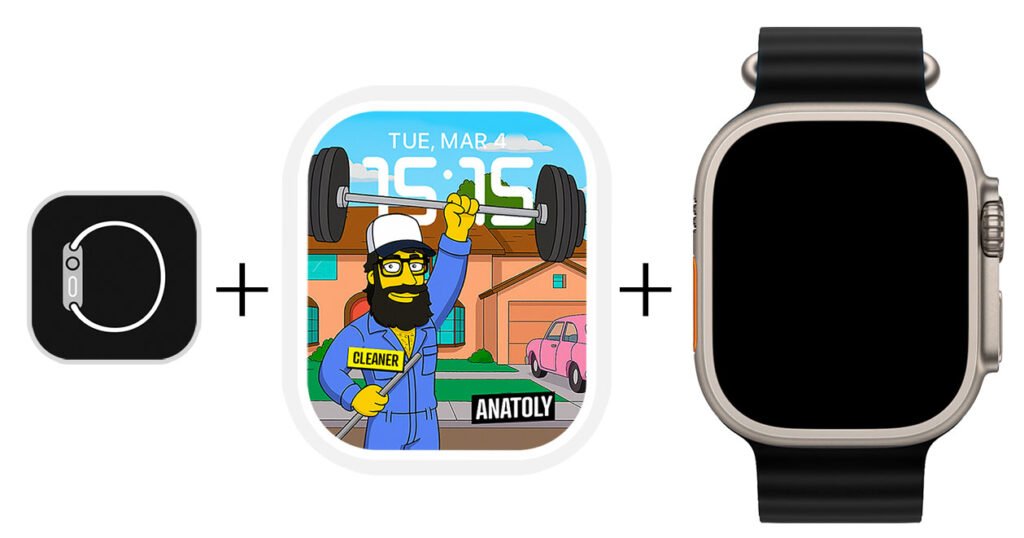
How to install a watch face on your Apple Watch
It takes just a few clicks. Choose your browser below.
Once you’ve made your purchase,
you’ll see a Download button (also available in your email).
Click Download and follow the steps depending on your browser. Check below 👇
Using Safari browser?
- Tap Download.
- Safari auto-detects the watch face → opens Watch app.
- Tap Add to My Faces.
- Done! 🤩

Using Chrome browser?
- Tap Download.
- Tap Save, then Save to Files.
- Open file → tap Open in….
- Select Watch app.
- Tap Add to My Faces.
- Done! 🤩
Step-by-step guide for Chrome users
1. Press Download Dial
Once you’ve purchased the watch face, you’ll receive an email with your receipt and the download link.
2. Click on “Save”
A new browser window will open.
3. Save the watch face to “Files”
Choose this folder so you can easily find the file after downloading.
4. Tap “Open In…”
It’s time to install the watch face on your watch!
5. Select the “Watch” app
Scroll right until it appears in the list.
Done! 🤩
Press Add to My Faces and the watch face will be added and activated in your Apple Watch.
Extra Help
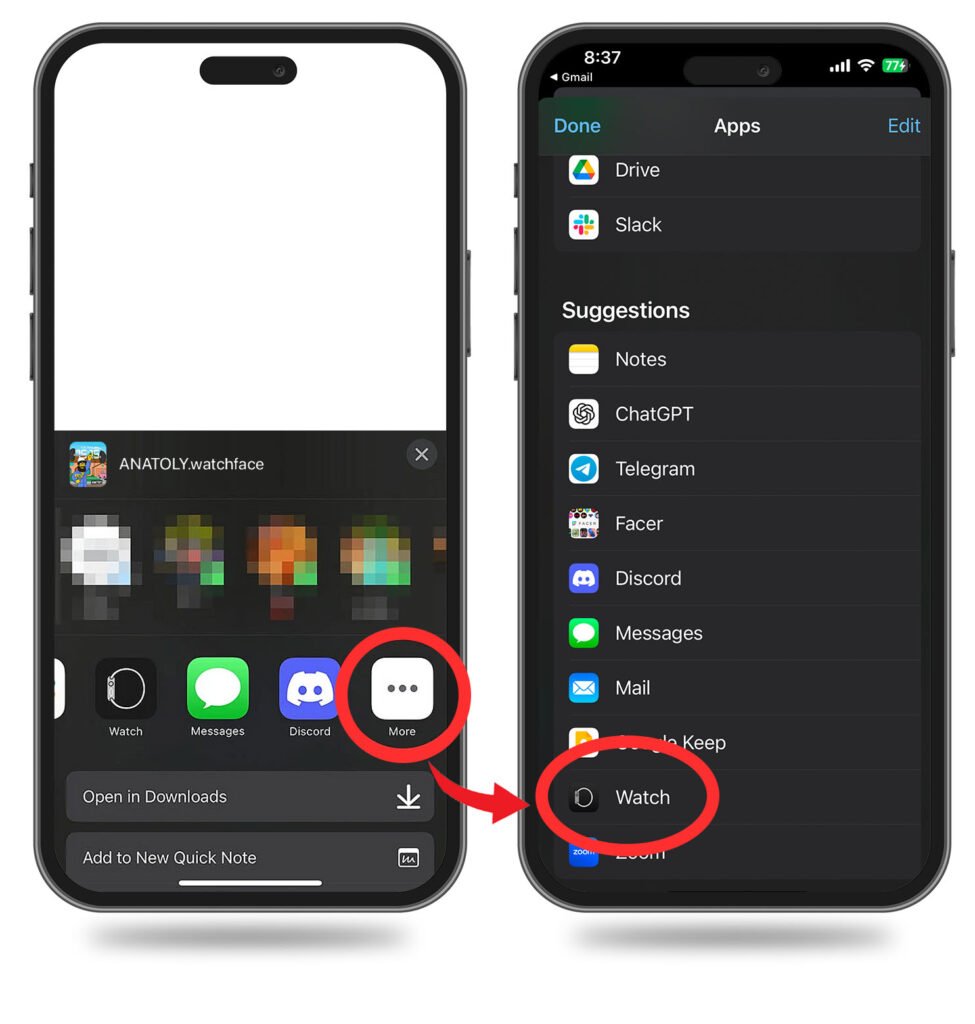
Don’t see the “Watch” app in your list?
Don’t see the “Watch” app in your list?
In the Apps list, keep swiping to the right and tap the “More” button.
Then select it from the list that appears.